 Glovebox
Features
Everything in Glovebox, in the order a job happens: from the first phone call to the money in your account.
Stage 1
Win the work
Turn an enquiry into an accepted quote while the customer still remembers your name.
Enquiries in one inbox
Calls, web forms and emails become leads with the customer, site and photos attached.
Quotes and estimates
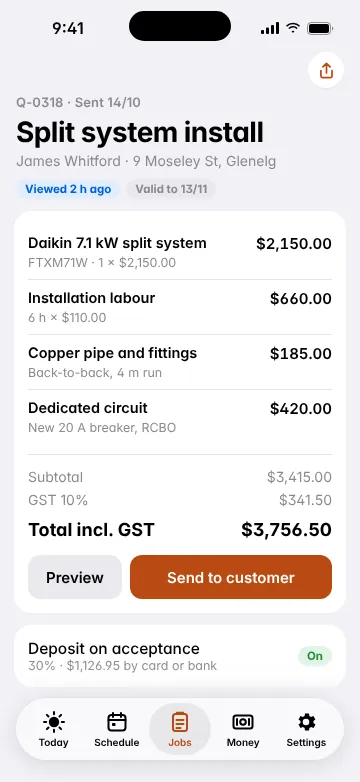
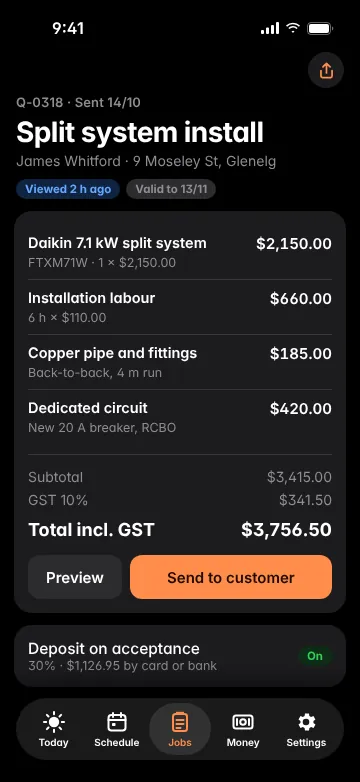
Build from your price list and kits, add labour and margin, and send a tidy PDF or a link.
Price list and kits
Your materials and labour rates in one list. Group common jobs into kits, like a standard HWS changeover.
Good, better, best options
Offer three options on one quote and let the customer pick. Average job value goes up.
Accept and sign online
Customers accept and sign from their phone. The job is created for you the moment they do.
Deposits
Ask for a percentage up front and take it by card when the quote is accepted.
Stage 2
Plan it
Put every job in the right place with the right person, and keep the customer in the loop.
Scheduling board
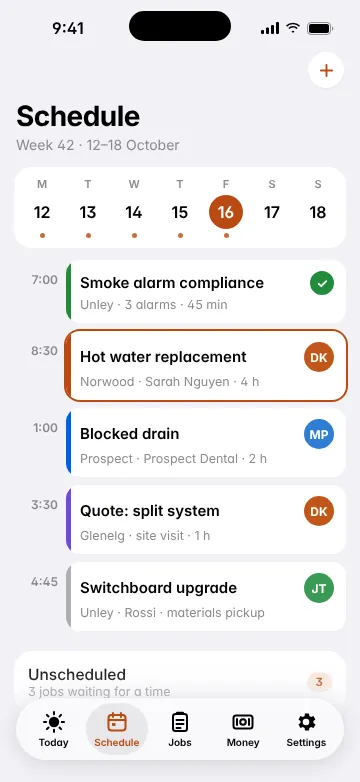
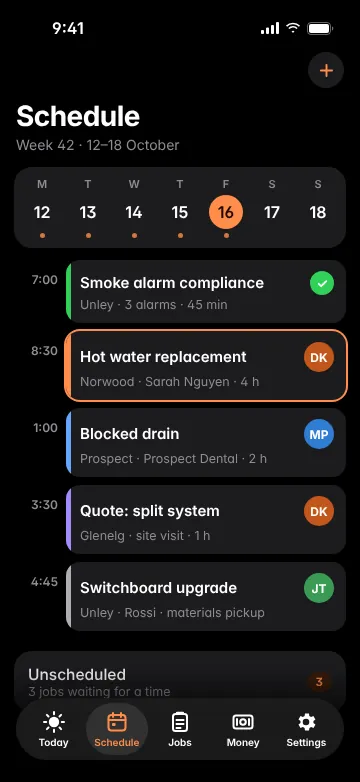
Drag and drop jobs by day and crew member, with week and day views on the office app.
Map view
See today's jobs on a map, so nobody drives from Glenelg to Gawler and back before lunch.
SMS reminders
Automatic reminders the day before and an on-my-way text with arrival time.
Recurring jobs
Service contracts, test and tag, and annual smoke alarm checks that schedule themselves.Business
Staff and availability
Leave, RDOs and skills on each person, so you book a licensed sparky for the switchboard.
Unscheduled list
Accepted work that hasn't got a date yet sits beside the board, so nothing gets forgotten.
Stage 3
Do the job
Everything the person on the tools needs, on one job card that works without reception.
Job cards
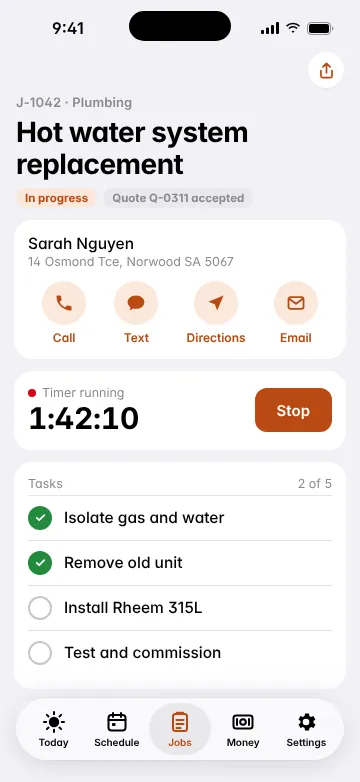
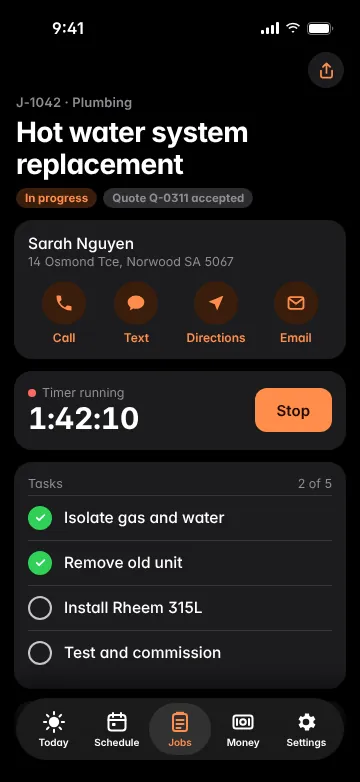
Customer, site, access notes, tasks and history, on the phone and in the office.
Photos and notes
Before and after photos, marked up and attached to the job, the quote or the invoice.
Forms and certificates
Certificates of compliance, gas and plumbing certificates, SWMS and Take 5, filled in on site and signed.
Timers and timesheets
One tap to start the clock on a job. Hours go to job costing and timesheets automatically.
Materials and purchase orders
Log materials as you use them, and raise purchase orders to your suppliers.Business
Works offline
Keep working in basements, roof cavities and the bush, and sync when you're back in range.
Stage 4
Get paid
Invoice the minute the job is done and make paying you the easiest thing on the customer's list.
Invoices in a tap
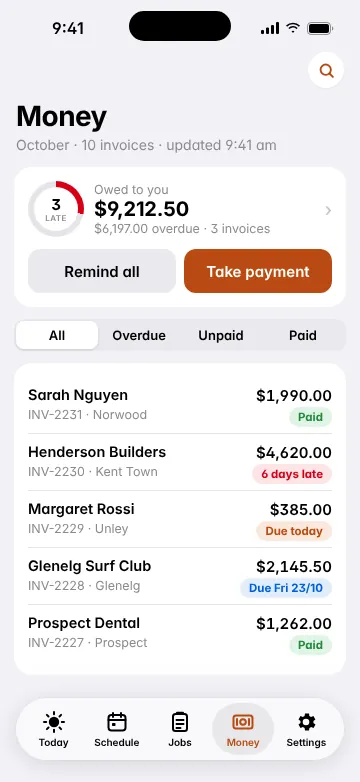
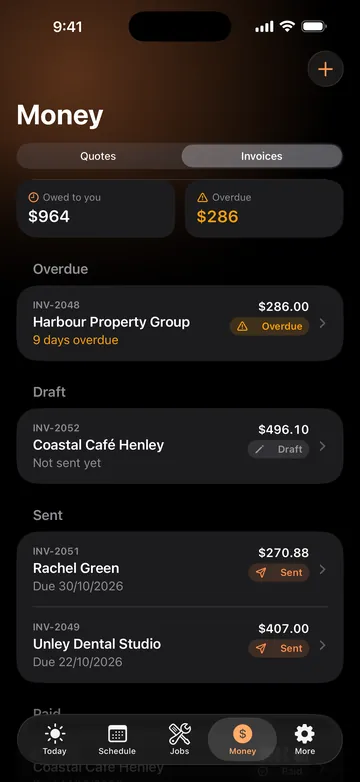
Turn a job into a tax invoice with your ABN, GST and every line already filled in.
Progress claims and variations
Claim by stage on bigger jobs and add variations as the scope changes.
Online payments
Customers pay by card or Apple Pay from the invoice link. Money lands in your account in two business days.
Tap to Pay on iPhone
Take a card payment on site with just your iPhone. No extra hardware.
Payment reminders
Polite, automatic reminders before and after the due date, so you don't have to chase.
Xero and MYOB sync
Invoices, payments, customers and items sync both ways. QuickBooks Online is on the way.
Stage 5
Run the business
Know which jobs make money, keep your crew organised and give customers a better experience.
Dashboard
Today's jobs, money owed, quotes waiting and revenue this month, on one screen.
Job costing
Quoted against actual for labour and materials, so you know which jobs are worth chasing.
Team and subbies
Add staff and subcontractors with the right access. Subbies are free on Team and Business.
Roles and permissions
Decide who sees prices, margins and customer details.Custom on Business
Customer portal
One link for customers to see quotes, job photos, certificates and invoices, and pay.
Reports
Sales, overdue invoices, timesheets and job profit, exportable to CSV for your accountant.
See it with your own jobs.
Click around the demo office app, or start a free 14-day trial with your own price list.